
Inclusive events create opportunities for wider participation, stronger collaboration and richer discussions. This guide is based on the experience and feedback gathered throughout the design and delivery of the AT2030 Frontiers symposium, which was part of a collaboration between the Royal Academy of Engineering and UCL Global Disability Inclusion (GDI) Hub’s AT2030 programme. AT2030 is funded by UK International Development.
This guide outlines practical steps to plan events that are inclusive by design and promote comfort, autonomy and inclusion. Note: to protect privacy, fictional examples have been created based on both experience and feedback.
Principles for inclusive event design
1. Make inclusion a principal of planning from very start
From the outset, plans should assume that participants will have varied accessibility requirements related to mobility, vision, sensory processing, energy levels, or health conditions, and account for these to enable active, equitable participation.
Good practice:
- Embed inclusion throughout planning, treating it as a core design pillar rather than an add-on. Include checkpoints to review inclusion across logistics, facilitation, agendas and communications.
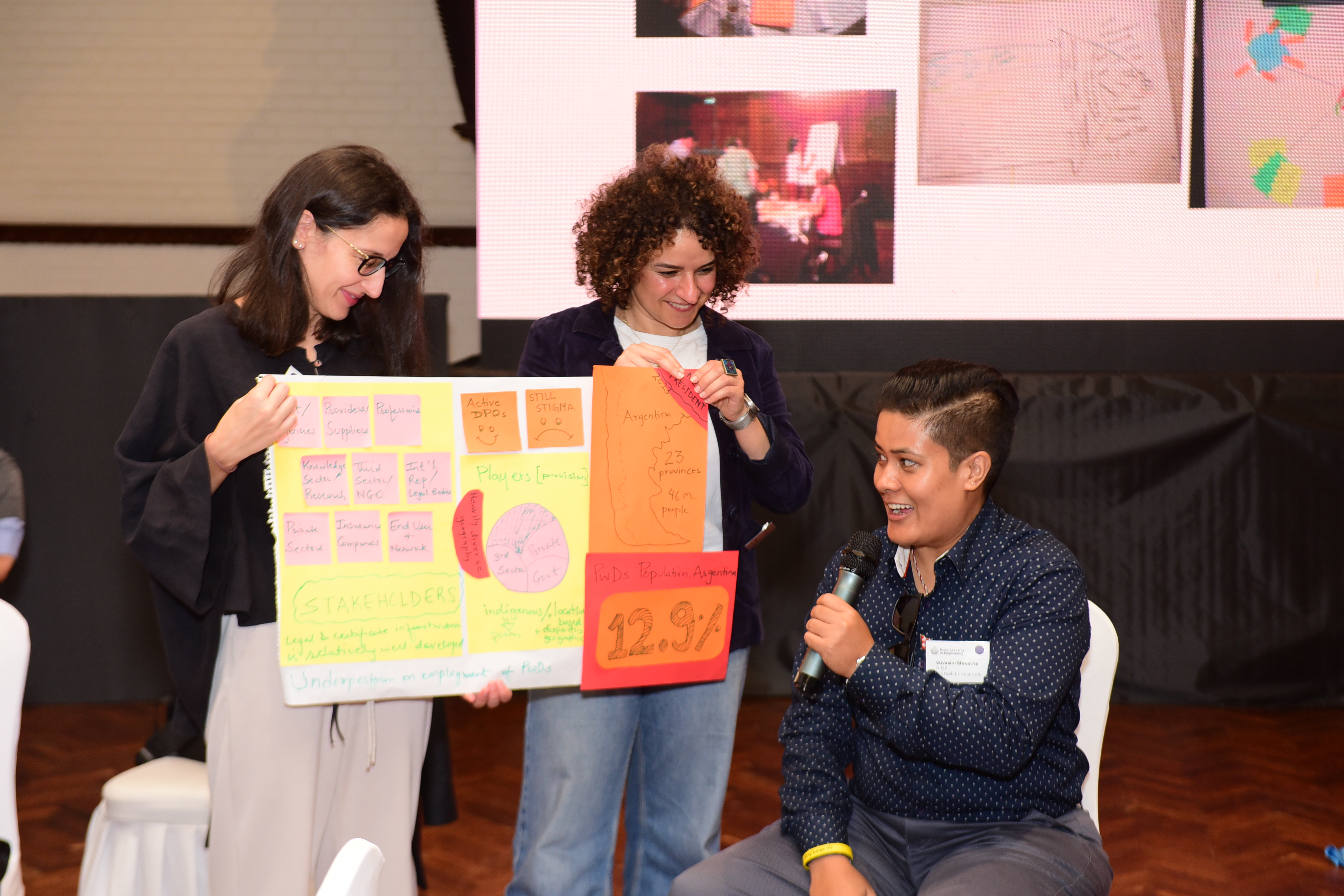
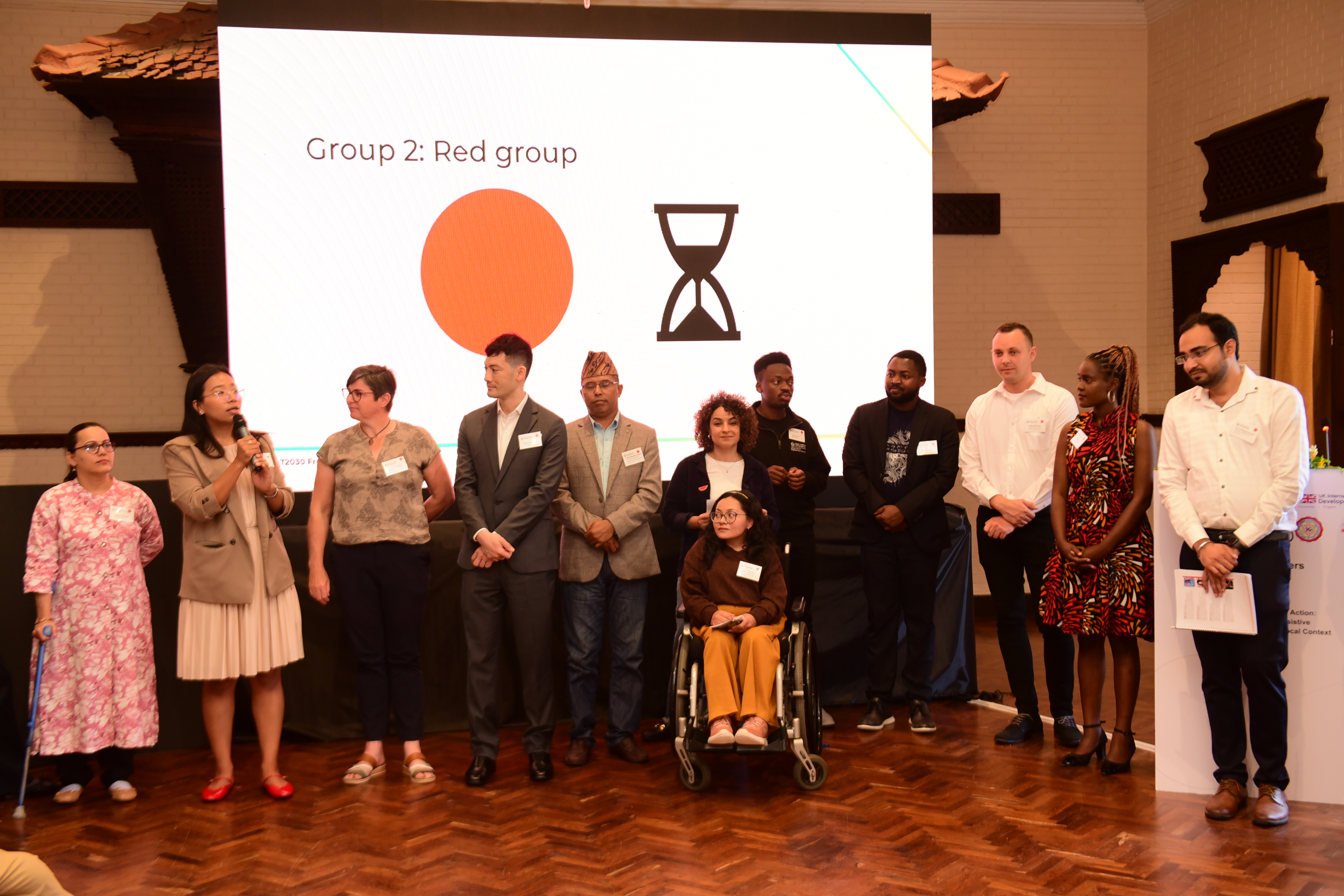
- Curate diverse speaker panels proactively and intentionally. This fosters visible inclusion for all your participants (and makes the discussion more interesting!)
- Design physical spaces thoughtfully with plenty of space and flexibility so that everyone can use it without modification. Ensure that navigation routes, signage, lighting and acoustics are inclusive.
- Predictable, transparent agendas with structured instructions help participants navigate the programme confidently. Include logistics for external activities such as site visits, networking sessions or dinners.
Budget for inclusion: inclusive design carries costs like caregiver travel and accommodation, accessible transport, luggage for assistive equipment, and venue modifications. These are manageable when planned for from the start but difficult if left late.
Example: initial information indicated a venue was “accessible”, but site visits revealed uneven surfaces and steep ramps that would make wheelchair access impossible. The team sourced alternative entrances, drop-off points and dinner locations, and block booked accessible rooms at multiple venues. These actions helped shape a safer and more independent experience for participants who needed mobility adjustments.
2. Gather accessibility information with clarity and care
Participants feel most comfortable sharing accessibility requirements after attendance has been confirmed. Making it as easy as possible to share their needs promotes trust and confidence.
Good practice:
- Offer clear examples of possible adjustments using open text fields supported by prompts, such as mobility support, sensory accommodations, accessible transport, room layout preferences, and communication preferences. This gives context, invites people to be specific and avoids limiting the options.
- Help participants anticipate their own needs by sharing photos, a video guide, or floor plans.
- Follow up respectfully. Some needs require clarification; a short call or structured follow-up questions help ensure adjustments are appropriate and proportionate.
- Differentiate essential needs from personal preferences. Both matter, and clarity ensures equitable decision-making and logistic feasibility.
3. Define the role of caregivers early
Some participants may attend with caregivers who provide essential support. Clear expectations ensure everyone can participate effectively.
Good practice:
- Confirm caregiver attendance during registration and be clear on what costs can be covered. Clarify what support the caregiver will provide.
- Provide identification badges that link caregivers to the participant they support.
- Ensure they can access relevant spaces while maintaining privacy and autonomy for the participant.
Example: Name badges linking caregivers to the delegate they support helped everyone, because the relationship does not need to be re-explained. During sessions, some caregivers sat with their delegate, while others sat separately, depending on what promoted participation for that individual. By having a variety of options available, and clearly defined roles, the dynamic remains smooth and unobtrusive.
4. Use consistent, respectful, internationally appropriate language
International audiences bring diverse cultural norms around disability. Consistent, respectful, person-centred terminology supports a safe, welcoming environment.
Good practice:
- Use simple, plain language and offer multiple formats. Ensure documents work with screen readers and that images and videos include alt-text and captions.
- Set clear expectations by sharing a short inclusive language guide with all participants in advance – for example, the UN’s disability‑inclusive language guidance.
- Brief all facilitators and speakers on terminology and inclusive guidelines, to ensure consistency and equal opportunity to participate.
5. Promote agency and protect dignity via thoughtful logistics
Physical logistics shape participant experience more than any other factor, so be sure to centre independence, comfort and dignity.
Good practice:
- The baseline for what “accessible” means can vary hugely between international contexts. Check entire routes, not just rooms: entrances, lifts, bathrooms/toilets and external venues all need to be checked, since local norms may mean there are surprises.
- Brief all partners thoroughly, including venue staff, transport providers, restaurants and suppliers. This should ensure that clear expectations are set on offering assistance respectfully and only when appropriate.
- Think about on-site logistics from end to end. Provide generous space for wheelchair and mobility aid users to move independently, provide a quiet room with comfortable seating and schedule flexibility for participants who may benefit from breaks or reduced transitions.
- Support accessible content delivery by providing guidance to speakers, encouraging materials with high contrast, readable fonts, and alternatives to dense text.
Example: A dinner venue marketed as “accessible” had a step-free toilet on a different floor from where the booking was located. In-person checks identified that this would be a barrier to some and would compromise independence, so the team relocated to a venue with consistently accessible facilities.
6. Respond flexibly to needs as they arise
Even with thoughtful planning, new needs may emerge on-site. A responsive and flexible mindset ensures participants remain empowered.
Good practice:
- Ensure the onsite team are trained and ready to respond to new needs calmly and constructively. Make sure they know where to get any additional items or signpost people for help as needed.
- Gather feedback quickly, simply, and via multiple formats. Make small adjustments in real time.
- Build flexibility into the agenda and physical setup.
Example: Feedback described how an accessible, thoughtfully structured environment makes space for meaningful dialogue. Predictable movement patterns, clear agendas, and staff who understood how to create space for different communication styles allow conversations to flow easily. The environment became part of the facilitation, enabling deeper discussions. When feedback indicated a room was too noisy due to echoes and background noise, the team adjusted microphone settings and added noise dampening furnishings. These small changes made quickly meant that the environment was shaped for the participants, rather than expecting them to adapt in uncomfortable ways.
Tools and tips
Before the event
- Inclusion as the baseline: embedded from day one throughout event design, budgets and timeline, with regular touchpoints to review progress.
- Ask about accessibility needs: include clear examples and open text to collect needs with care; follow up for clarity.
- Choose venues intentionally: ask for a videos, photos or plans and visit the venue to confirm details in person.
- Share venue details and logistics early: empower people with the information they need to identify their needs and set expectations.
- Brief everyone well: make sure staff, speakers and suppliers are clear on your expectations.
- Disaster resilience awareness: for locations with a higher risk of shocks or stresses, undertaking specific disaster resilience workshopping equips staff with confidence to respond appropriately in any circumstances.
During the event
- Review and adjust live: offer multiple feedback mechanisms and regularly review so that small fixes can be made on the go.
- Good housekeeping: ensure spaces are kept clear and usable and announce changes and reminders both verbally and visually.
- Make sure tools are used consistently: predictability is important. Use microphones, captions, and feedback mechanisms in a consistent way.
After the event
- Gather feedback: collect anonymous feedback via short, specific questions that can be disaggregated.
- Share output materials: in multiple formats checking for accessibility.
- Refine the model and share learning.
Reccommended resources
- UN Disability-Inclusive Language Guidelines – an example of a baseline for inclusive language that can be used directly or adapted for the specific needs of an event.
- NFD-N – Dignified terminologies guide – an example of a locally-adapted guide for inclusive language, developed by an AT2030 Frontiers symposium partner.
- CAETS toolkit for inclusive, national academy organised events in engineering and technology – a very practical and detailed toolkit that is useful beyond the core audience, also includes guidance for inclusion beyond accessibility (including, for example, gender, religion, age, and ethnicity).
- The Royal Academy of Engineering’s work and resources on Equity, Diversity and Inclusion: includes research, resources and toolkits on best practice for DEI in engineering.
- The BBC Cape UX&D Sensory Environment Checklist – a neuro-inclusive guide to consider different sensory responses to your event/meeting environment.
Interested in exploring more Frontiers' resources?
For more insights, tools, and tips like the ones in this report, check out all the Frontiers content available in our resources section